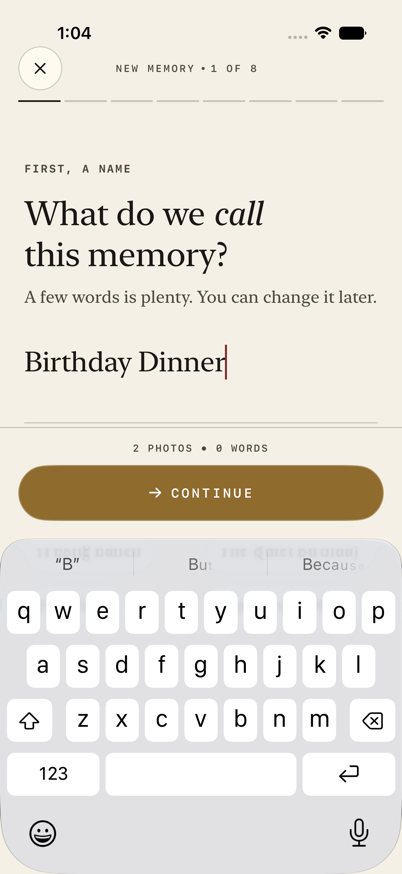
01
Name the memory
Start with a few words you can change later.
Private memory stories
Remember More. Write Less.
SceneMark turns the photos and videos you choose into an editable story or short video. Confirm the details, choose the tone, and let SceneMark write the first draft on your device.
Workflow preview
A quick look at the native flow that turns a selected moment into a story or short video you can edit.
01
Start with a few words you can change later.
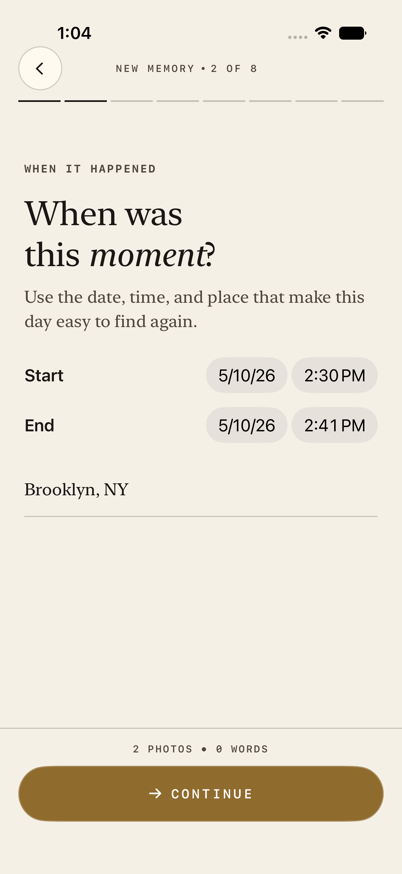
02
Confirm when the moment happened before SceneMark drafts.
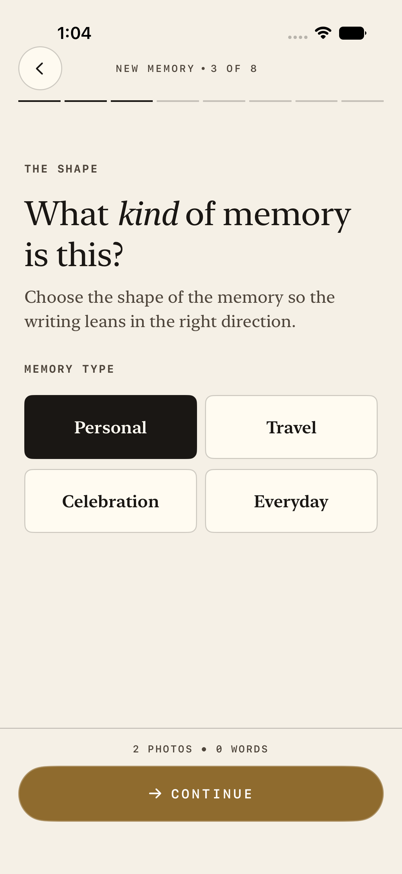
03
Choose the memory type so the story starts in the right shape.
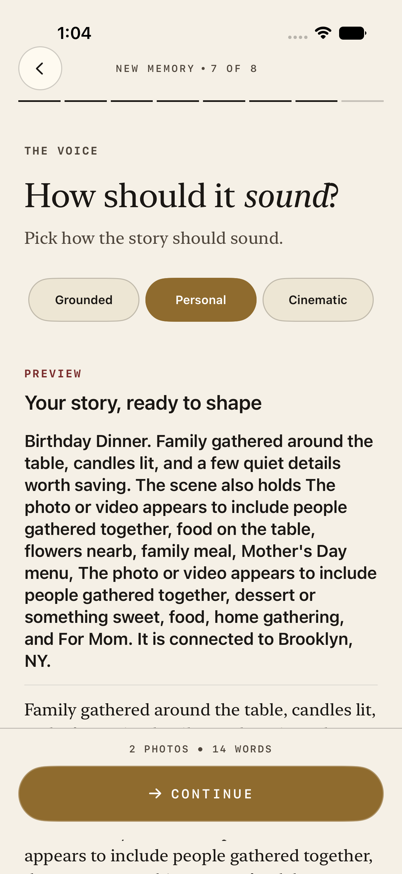
04
Preview the first shape of the story and pick how it should sound.
How it works
Choose the media, confirm the details, and turn the same memory into a written story or short video.
01
Add only the moments you want SceneMark to use. Dates, places, faces, and small details stay tied to that selected media.


02
Check the time, place, people, and details before a draft is saved. You decide which names belong in the story.
03
Pick a tone, edit the first draft, then reuse the same memory for a short video with large text and gentle effects.
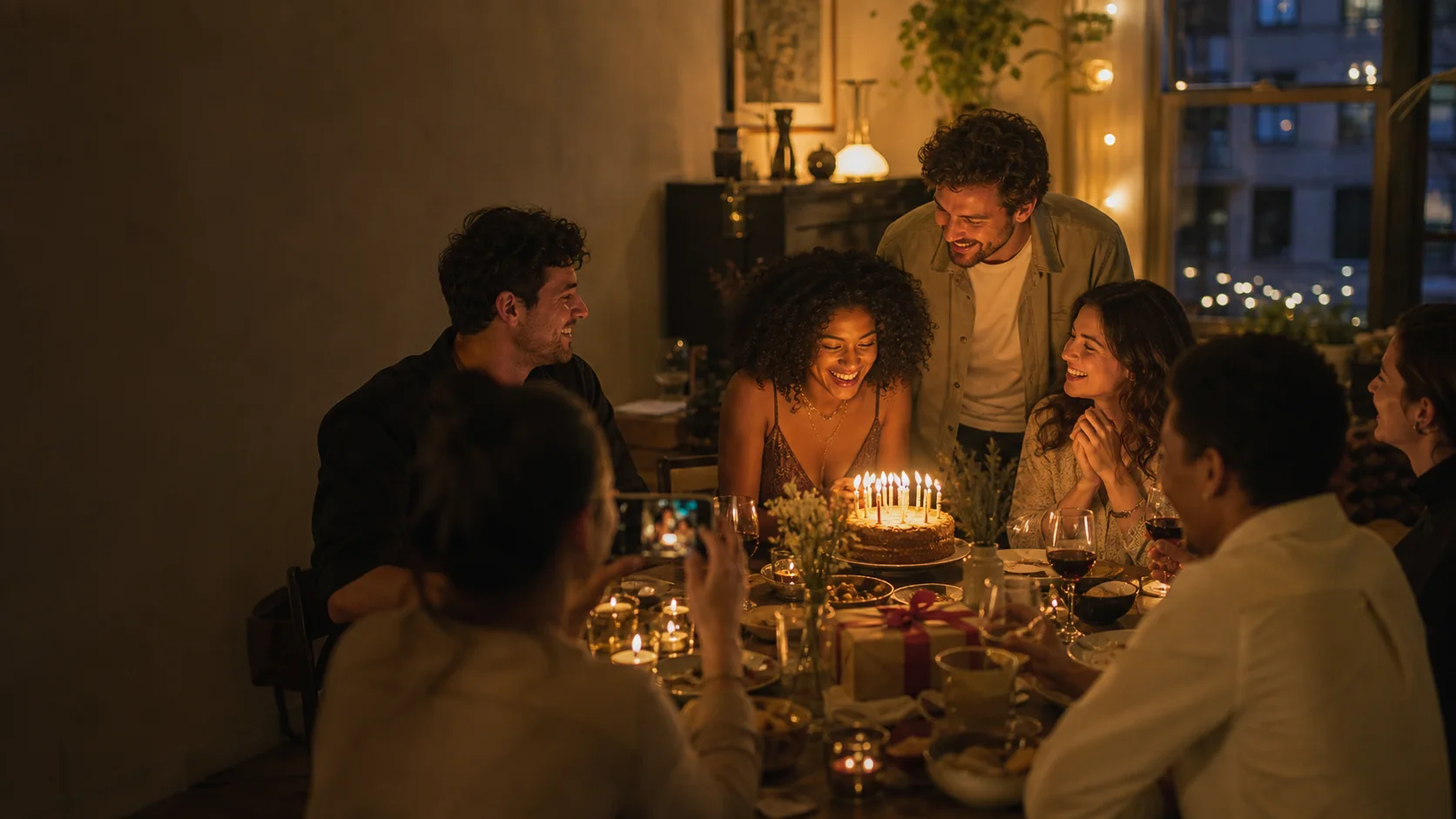
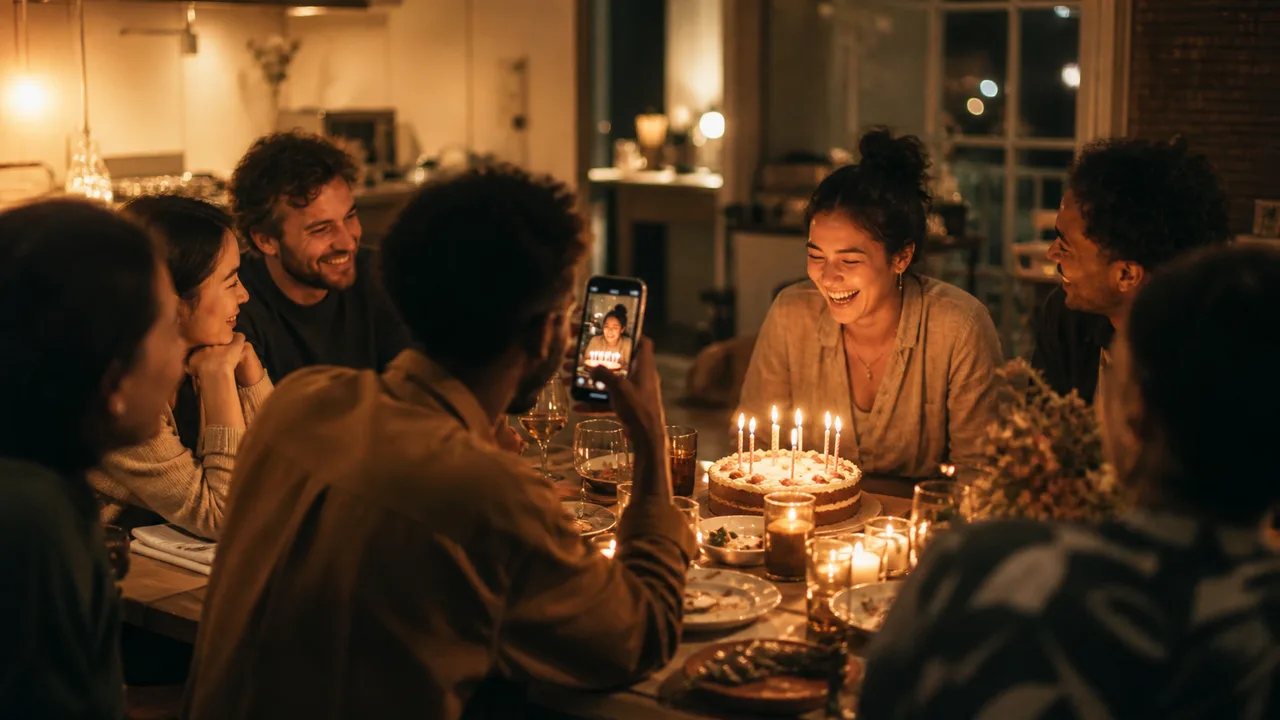
Friends lean in around the cake. One phone catches the laugh, and the room gathers around the small bright center of the night.
Private by design
SceneMark only uses the photos and videos you choose.
People are named only when you add or confirm a name.
Private media details stay separate from the story you save.
For memories worth keeping
Use SceneMark for birthdays, trips, family moments, and private collections you want to remember in plain words.